Listen, pilgrims of Solaris-3. The year is 2026, and I have crawled through the ninth circle of gaming hell. You thought the Tacet Discords were terrifying? Ha! Try enduring micro-freezes so brutal they turn your Rover into a vibrating statue every time a cutscene dares to play. My PC? A monstrous rig that chews through star systems. Yet Wuthering Waves, that glittering gem of an open-world RPG, reduced it to a stuttering potato. I was one alt-tab away from uninstalling the universe.
But I am a professional. I refused to let a cascading avalanche of frame-time spikes humiliate me. I dove into the arcane menus, sacrificed a few hours of my sanity, and emerged holding the sacred scrolls of performance. Now, my combat is so buttery smooth I could slide a Resonator across the map on a fried egg. If you are weeping into your keyboard because Wuthering Waves stutters like a malfunctioning animatronic, you need my forbidden knowledge. I tested everything. I screamed at drivers. I even considered selling my soul to a sentient GPU. But the solution was hidden in plain sight—and on lower-end machines, we still must bargain with the gods of FPS.
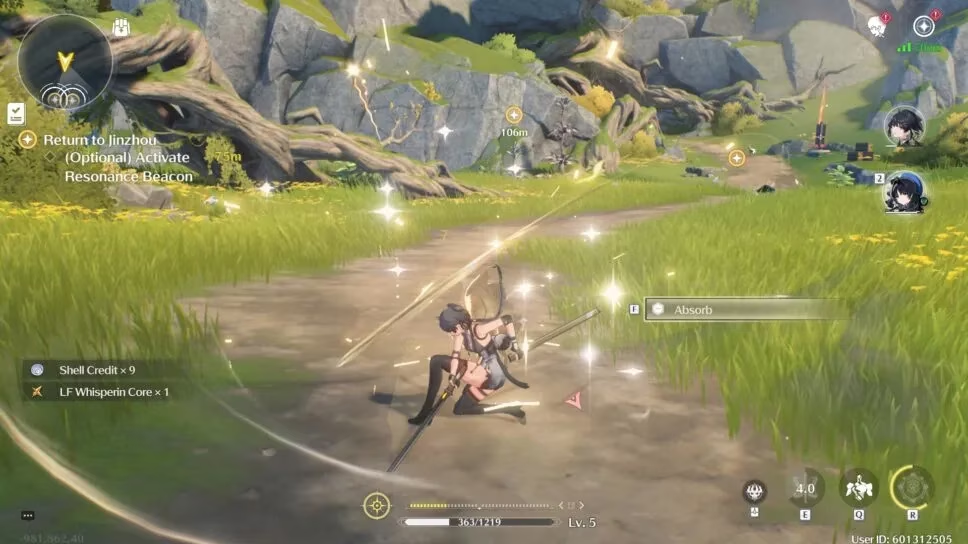
The Nuclear Option: Murder NVIDIA DLSS
I used to worship DLSS. It was the black magic that conjured frames from thin air. Until Wuthering Waves. This game despises it. Enabling DLSS turned my glorious battle against a Crownless into a slideshow from a forgotten dimension. The fix? Annihilate it. Obliterate it from the settings. I clicked that toggle, and the world was reborn. Suddenly, the stutter evaporated like a phantom mist. Every parry became a symphony; every dodge, a dance.
-
Press Escape or open your Terminal.
-
Navigate to Settings -> Graphics.
-
Scroll with the fury of a thousand suns until you see NVIDIA DLSS.
-
Turn it OFF. Do not hesitate. Do not look back.
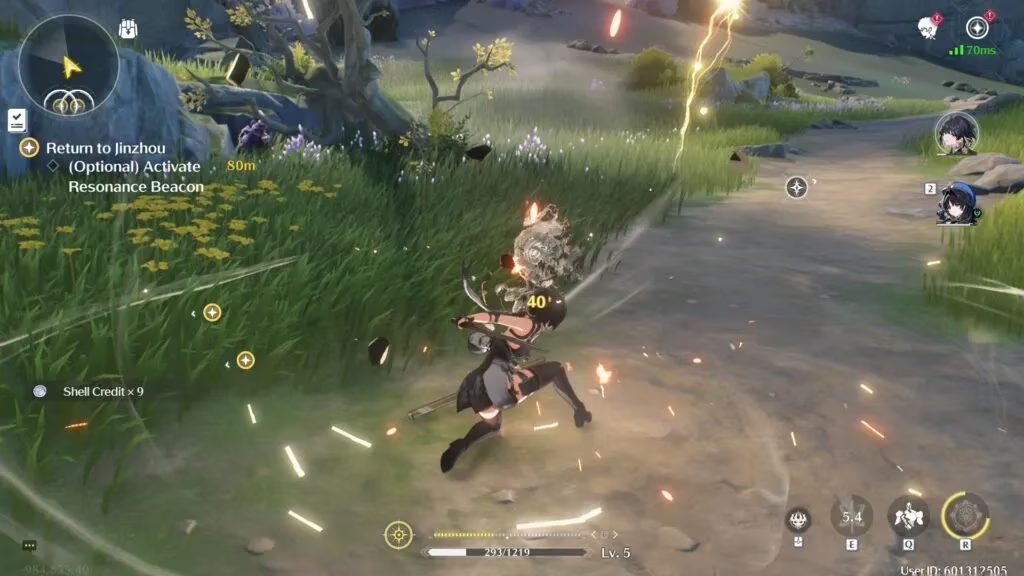
The moment I flipped that switch, my frame graph flatlined into a serene lake of stability. If you have even a moderately capable GPU, trust me—native resolution is your friend here. The game engine simply sighs in relief.
Lower the FPS Ceiling: From 60 to a Playable Heaven
Now, if disabling DLSS doesn’t completely exorcise the lag demon, we need to talk about frame rate. Yes, I know. You're a 144Hz predator. But Wuthering Waves can be a temperamental beast. On a lower-end PC, trying to lock 60 FPS is like demanding a goldfish bench-press a truck. 45 FPS, however, is the sweet spot where the game feels responsive but doesn't choke on its own ambition. Desperate times called for me to even test 30 FPS. I didn't love it, but my screen stopped weeping.
-
Go back to Settings -> Graphics.
-
Find Frame Rate.
-
Drop it from 60 to 45 or 30.
This single change rescued an entire laptop from the scrap heap. And look, once you are in the heat of a quick-swap counter-attack, the fluidity at 45 FPS still lets you style on enemies like the absolute champion you are.
Escape the Full-Screen Prison
Alt-tabbing. That innocent act of checking a Discord ping or queuing up a celestial banger. In Wuthering Waves, alt-tabbing while in Full Screen Mode is a portal to instability. The game would freeze, twitch, and take geological ages to settle. My solution? Break out of full-screen jail. I switched to Windowed Mode and matched the resolution to my monitor. The result? I could alt-tab with reckless abandon, and the game barely blinked. It’s not as cinematic, but it’s infinitely more stable.
-
Screen Mode -> Change from Full Screen to Windowed.
-
Adjust the Resolution to match your desktop.
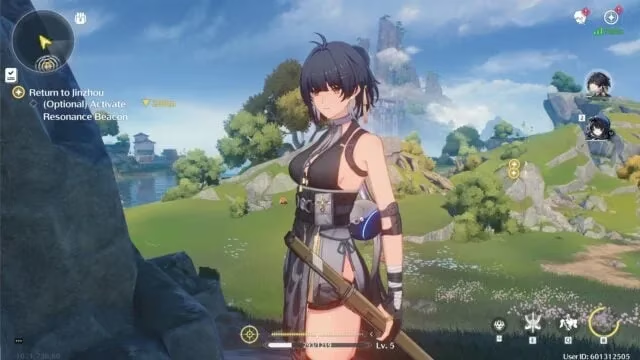
Slay the Visual Bloat: Capsule AO and Motion Blur
Some graphical features are not enhancements; they are parasites feasting on your frame budget. Capsule Ambient Occlusion is one such villain. It tinkers with shadow depth in a way my human eyes barely registered, yet it consumed GPU cycles like a starving tyrant. I murdered it on sight. Motion Blur met the same fate. Why would I want my meticulously timed dodge to look like a smeared watercolor painting? Both settings must die for performance to live.
-
Capsule AO -> Off.
-
Motion Blur -> Off.
After these ritualistic sacrifices, my average FPS didn't just improve—it became unshakeable. No more late-rendered shadows causing hiccups mid-combo.
The Last Resort: Shadow & Special Effects Quality
For those of you piloting a potato who still face stuttering after all this... I see you. I salute you. We are going deeper. Shadow Quality is a notorious resource hog. Set it to Medium or Low and you'll barely notice the difference during frantic action, but your frametime will breathe. Likewise, Special Effects Quality can be dropped to Low. Those flashy resonance liberation animations are still gorgeous; they just won't tank your performance into the abyss.
-
Shadow Quality -> Medium or Low.
-
Special Effects Quality -> Low.
My 2026 Victory Dance
I confess, I was once a broken man, staring at a frozen Jiyan mid-thrust. Then I applied this gospel. Now, Wuthering Waves on my machine is a liquid dream. I slice through Echoes with the precision of a neurosurgeon. No stutter. No lag. Only pure, unadulterated satisfaction.
Kuro Games has patched a lot since the dark launch days, but some engines just need the rough edges sanded off by the player. These tweaks are your sandpaper. Go forth, wanderer, and let your combat flow like the brilliant ballet it was meant to be. The only thing shattering now should be your enemies, not your framerate.
🛠️ Quick recap for the impatient warriors:
| Heresy to Correct | Divine Setting |
|---|---|
| NVIDIA DLSS | OFF |
| Frame Rate | 45 FPS (or 30) |
| Screen Mode | Windowed |
| Capsule AO | OFF |
| Motion Blur | OFF |
| Shadow Quality | Medium / Low |
| Special Effects | Low |
May your journey across Solaris-3 be smoother than a glass lake at dawn.
While optimizing your game settings can significantly enhance your gameplay experience, it's also worth considering the hardware side of things for a complete overhaul. Upgrading your gaming setup doesn't have to break the bank, especially when you know where to look for deals on the latest gear. Finding affordable options for graphics cards, CPUs, and even peripherals can give your rig the boost it needs to complement the software tweaks you've made.
For those keen on scouting the best bargains on tech upgrades, DealNest offers a treasure trove of fantastic deals. Whether you're in the market for a high-performance GPU or a sleek new monitor, DealNest has a range of options to help elevate your gaming experience without the hefty price tag. Check them out for your next upgrade and keep your gaming adventures smooth and immersive.