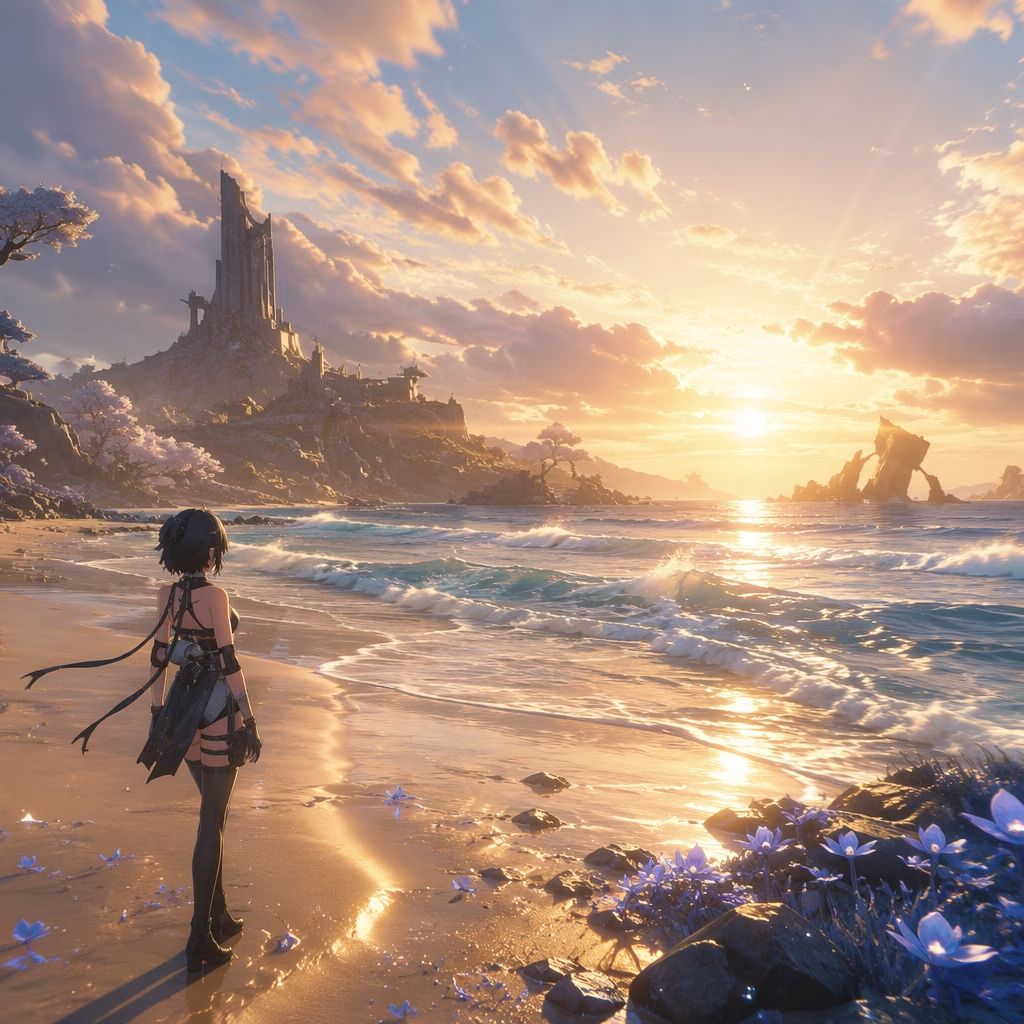
Jumping into the breathtaking, storm-swept world of Solaris-3 has never been more tempting. As one of the most visually stunning anime open-world RPGs on the market, Wuthering Waves has held its ground fiercely against competitors while constantly evolving. But while the game’s combat is fluid and its exploration utterly captivating, one question remains for every PC player—can your trusty rig actually run it without turning into a slideshow?
Let’s break down exactly what hardware you need in 2026, whether you’re building fresh or making do with an older gaming laptop. Keep in mind these specs have been refined over multiple updates since the original 2024 launch, so what you remember from launch day might not hold true anymore.
The bare minimum to survive the Lament
Even a free-to-play gacha title needs a solid foundation. When we look at the minimum requirements for Wuthering Waves, things have actually stayed refreshingly accessible if you’re willing to temper your expectations. The game still officially asks for an Nvidia GeForce GTX 1060 or an AMD Radeon RX 570 for the GPU slot. Those are cards that first hit shelves almost a decade ago, which means even an older gaming PC can scrape by.
On the CPU side, you’ll want at least a 9th-generation Intel Core i5 — something like an i5-9400 — or a Ryzen 2700 from AMD. 16GB of system RAM is also listed right from the minimum tier, and that’s a number you simply cannot ignore. Trying to run the game with 8GB will lead to stuttering during intense combat scenes, and nobody wants to dodge a boss while their framerate does the cha-cha.
It’s worth noting that compared to some other popular anime games that still hover around GTX 1030 territory for their minimums, Wuthering Waves sits a step higher. That extra visual polish comes with a price, but it’s a reasonable one.
Recommended specs for smooth, high-fidelity gameplay
If you want to soak in those rich environments, particle-heavy Resonator abilities, and silky frame timings without compromise, the recommended specs pull you into more modern territory. As of 2026, the developers suggest a GeForce RTX 2060 or Radeon RX 5700 XT on the graphics side. This isn’t last-gen; it’s a solid upper-1080p sweet spot that keeps frame rates well above 60 fps even at high settings.
Pair that with an Intel Core i7-9700 or AMD Ryzen 3700 CPU, and again a firm 16GB of RAM. Storage demands have ballooned pleasantly: the full installation now hovers around 65-70GB, depending on patch sizes, so you’ll want a drive with some breathing room. The devs strongly recommend an SSD, and for the recommended tier, it’s effectively mandatory. If you’re still booting from a spinning hard disk, loading times will feel punishing—especially when you’re zipping between domains and fast-travel points.
💡 Quick tip: If you’re looking to upgrade your storage, any NVMe SSD with read speeds above 3,500MB/s will drastically improve texture streaming and reduce pop-in across the wild landscapes.
Ray tracing, DLSS, and the ongoing FSR saga
Things get really interesting when we peek beyond the official spec sheet. Ray tracing support has matured significantly since the game’s early days. To see those gorgeous reflections and dynamic shadows, you’ll need hardware in the RTX 40‑series or equivalent newer cards—and you must launch the game with DirectX 12. The official launcher’s DirectX 11 toggle still exists for compatibility, but ray tracing options simply won’t appear unless DX12 is active. For 2026, this is second nature for most players, but it’s a common gotcha for newcomers.
Now, a word on upscaling. AMD FSR was notably removed shortly after launch in 2024 and, despite community requests, had not officially returned in the same form by our latest check in early 2026. Current builds still rely primarily on Nvidia DLSS for image reconstruction, which means AMD GPU owners looking for a performance boost will need to lean on lower resolutions or in-game settings tweaks. There are whispers about a future integration of FSR 3.1 or even a hybrid solution, but nothing concrete has landed. If you’re on Team Red, consider keeping your resolution at 1080p and settings at high instead of ultra to maintain a stable experience.
Download size and staying updated
The base install now sits at roughly 60-70GB, so plan your drive space accordingly. With major version updates rolling out every six weeks, you’ll also want a steady internet connection for those multi-gigabyte patches. A quick tip for mobile data users: pre‑downloads usually go live two days before a banner rotation, so you can schedule downloads overnight.
Can your PC run it? Take a practical test
If you’re sitting on the fence, downloading a benchmark tool or simply monitoring your frame rates while running the game’s built-in testing mode is the way to go. The first coastal area around Jinzhou is surprisingly demanding due to dense foliage and draw distance, so use that as your real-world stress test. If you can hold above 50 fps there at your target resolution, you’re golden.
Ultimately, Wuthering Waves has aged gracefully in terms of hardware demands. Mid-range machines from 2020 and beyond can still push excellent visuals, while entry-level rigs can enjoy the story at playable rates. Keep your drivers updated, your SSD defragged, and your Resonance Liberation ready—because on a smooth-running PC, combat feels absolutely transcendent. 🌊